- C 71.6%
- Go 10.5%
- Python 10.1%
- CMake 4.9%
- TypeScript 1.3%
- Other 1.6%
| .zed | ||
| diagrams | ||
| event_proxy | ||
| old_micro_python_code | ||
| .gitignore | ||
| bme280.c | ||
| bme280.h | ||
| CmakeLists.txt | ||
| flash.sh | ||
| LICENSE.md | ||
| lwipopts.h | ||
| lwipopts_examples_common.h | ||
| mbedtls_config.h | ||
| mbedtls_config_examples_common.h | ||
| node1.c | ||
| node1_config.json | ||
| node1_old.c | ||
| node1_payload_example.json | ||
| node2.c | ||
| pico_sdk_import.cmake | ||
| pms5003.c | ||
| pms5003.h | ||
| README.md | ||
| screen.sh | ||
| tasks.txt | ||
| tcp.c | ||
| tcp_client.c | ||
| tcp_client.h | ||
| wifi_scan.c | ||

Balcony Weather Station
A DIY weather station project on my balcony. The data is sent to Home Assistant to be used as part of home automation projects.
The source code started as CircuitPython following many of the patterns I learned in creating an aquarium controller project. I have since switch to using C for better performance and control.
Capabilities
- ✅ Send data to Home Assistant via MQTT
- ✅ read tempature
- ✅ read humidity
- ✅ read atmospheric pressure
- ✅ read partical matter PM1, PM2.5, and PM10
- read noise levels
- read wind speed
- read wind direction
- read rain fall
- read light level
Pics
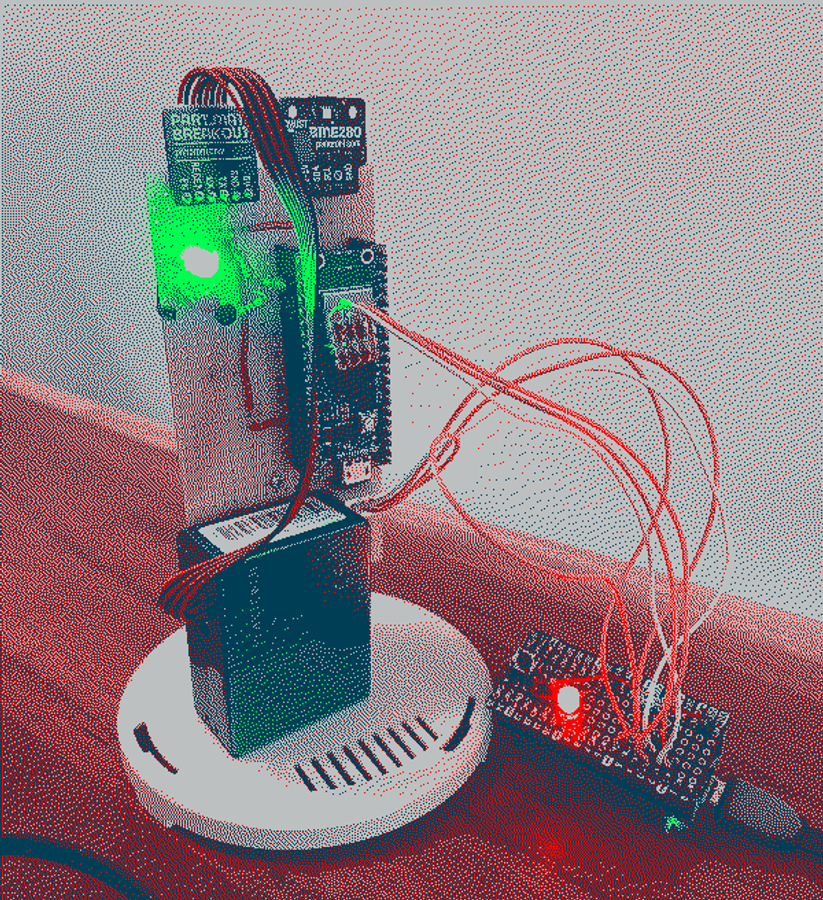
Node 1 WIP:
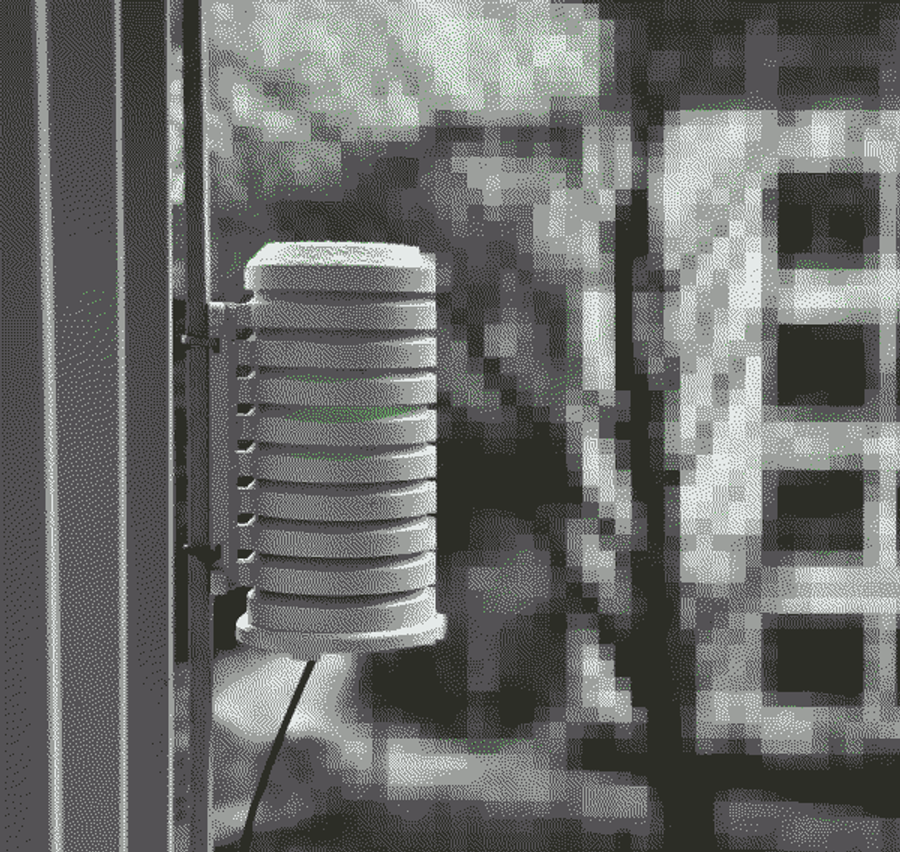
Node 1 Installed:
Hardware
Arch
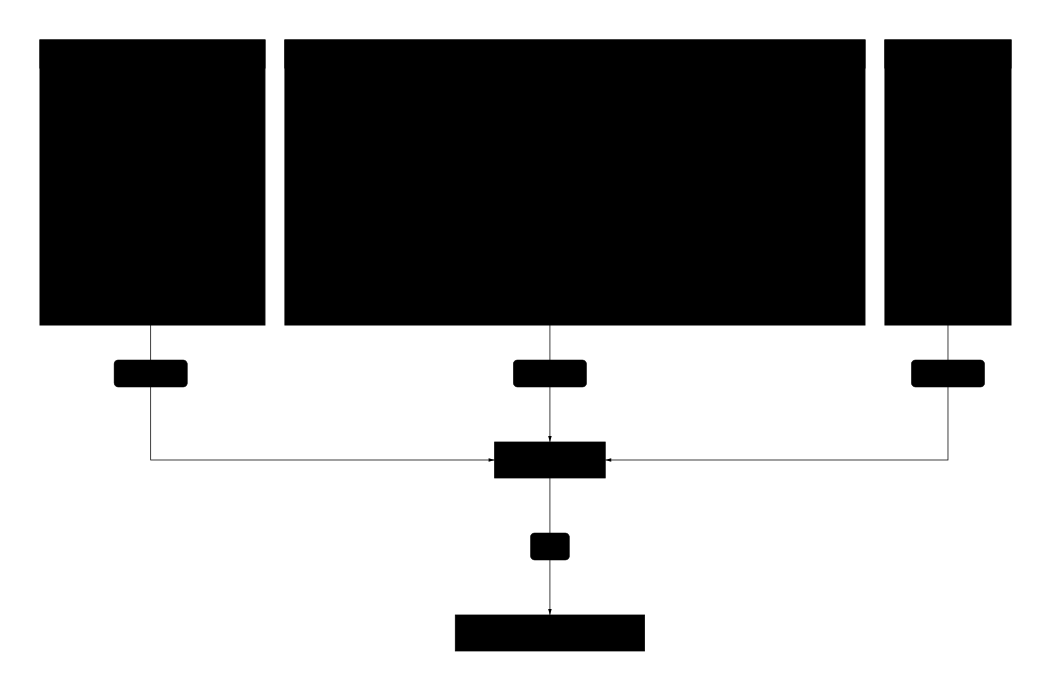
Node1
Sensors:
- BME280
- reads tempature, humidity, and atmospheric pressure
- PMS5003
- reads partical matter PM1, PM2.5, and PM10
Weatherproof Enclosure: weatherproof-cover-for-outdoor-sensors
Note: I would not recommend buying from pimoroni from EU as shipping tax is huge!
Helpful links
Dev
Env Setup
From build folder run:
$ cmake -DPICO_BOARD=pico_w ..
This creates the needed makefiles
Build
This turns the test.c file in the root dir into .elf and .uf2 files:
$ make node1
Flash
Once you have the .uf2 file you can transfer it to the pico by putting the pico
in bootsel mode (hold button and plug it into pc) or you can flash the .elf file
to the pico using openocd:
openocd -f interface/cmsis-dap.cfg -f target/rp2040.cfg -c "adapter speed 5000" -c "program node1.elf verify reset exit"
note: after flashing with openocd the program will be paused. To unpause connect and run "continue"
Shell
You screen
$ fd tty.usb /dev
/dev/tty.usbmodem102
$ screen /dev/tty.usbmodem102 115200
Exit shell Ctrl+A Ctrl+|
Open debug connection
$ openocd -f interface/cmsis-dap.cfg -f target/rp2040.cfg -c "adapter speed 5000"
then in another window
$ lldb ./test.elf
Once in lldb you can do a bunch of stuff, see https://web.navan.dev/posts/2024-08-08-openocd-macos-lldb.html.
(lldb) platform select remote-gdb-server
...
(lldb) process connect connect://localhost:3333
Set breakpoint:
(lldb) breakpoint set --hardware --name main
(lldb) continue # Continue execution
(lldb) step     # Step in
(lldb) next     # Step over
(lldb) finish   # Step out
Check vars:
(lldb) frame variable
(lldb) print variable_name
Restarting the program:
(lldb) process plugin packet monitor reset run
Home assistant debugging
Subscribe to a topic
$ TOPIC=zigbee2mqtt/0xa4c13848a46ea1cf; mosquitto_sub -h 192.168.1.11 -t $TOPIC -u homeassistant -P xxx
Send message
Config example:
$ mosquitto_pub -h 192.168.1.11 -P xxxxxxxx \
-u homeassistant  -t homeassistant/device/bws/node1_001/config \
-f node1.json -r
Payload example:
$ mosquitto_pub -h 192.168.1.11 -P xxxxxxxx \
-u homeassistant  -t bws/node1/state \
-f node1_payload_example.json